How to register and confirm your ChowBanQ account
Create your wallet in under a minute, then confirm your email to unlock everything.
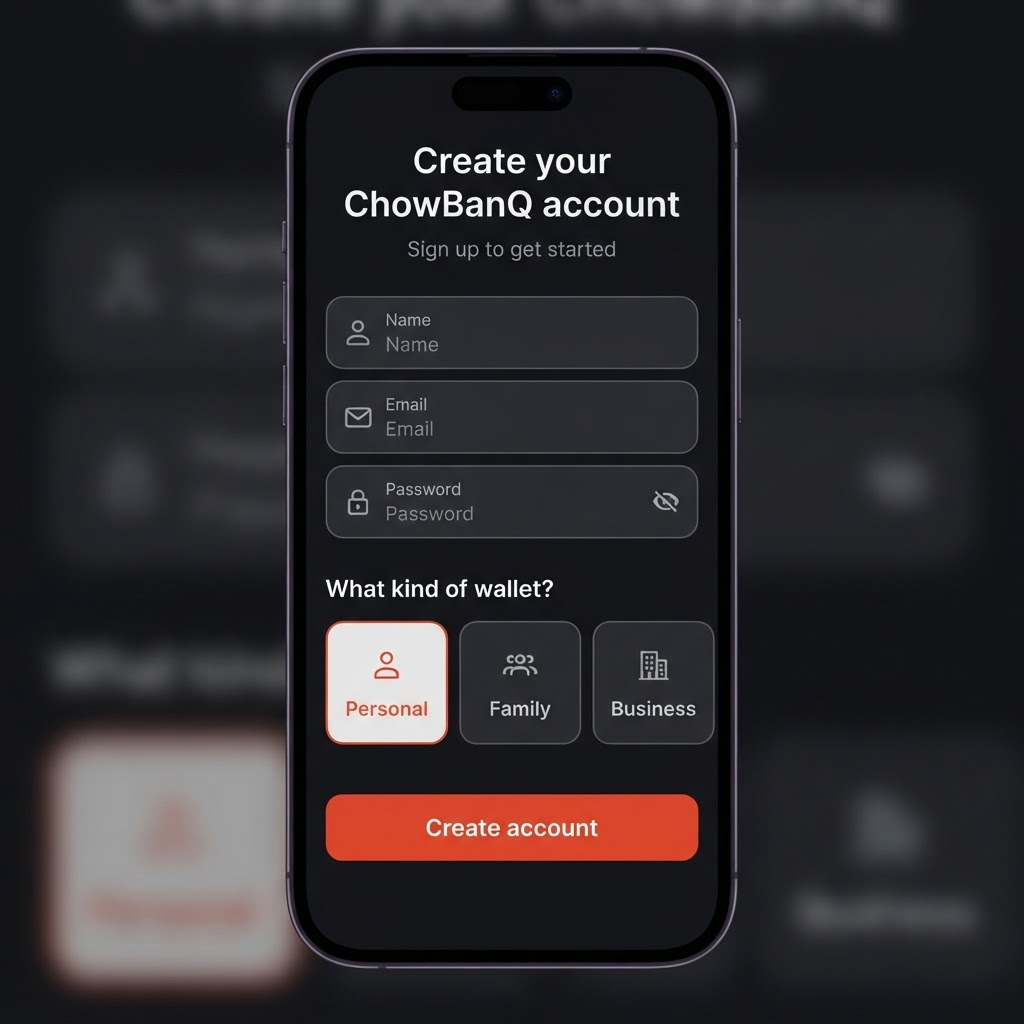
Getting started takes about a minute.
Go to the sign-up page. Enter your name, email, and a password.
Choose your wallet type. Personal is just your own wallet. Family lets you fund others and set spending limits. Business lets you accept customer payments and track expenses. You can tell us more later.
Tap Create account. A quick security check confirms you're human, and you're in.
Confirm your email. We send a confirmation link to the address you used — tap it to confirm your account. You can start using your wallet right away, but confirming your email is required before you verify your ID.
Didn't get the email? Open the Verify Identity page and tap Resend confirmation email. Check your spam folder too.
Posted by ChowBanQ