guideSeptember 4, 2026
How to send money to someone
Pay anyone from your wallet in a few taps — with their name confirmed before it sends.
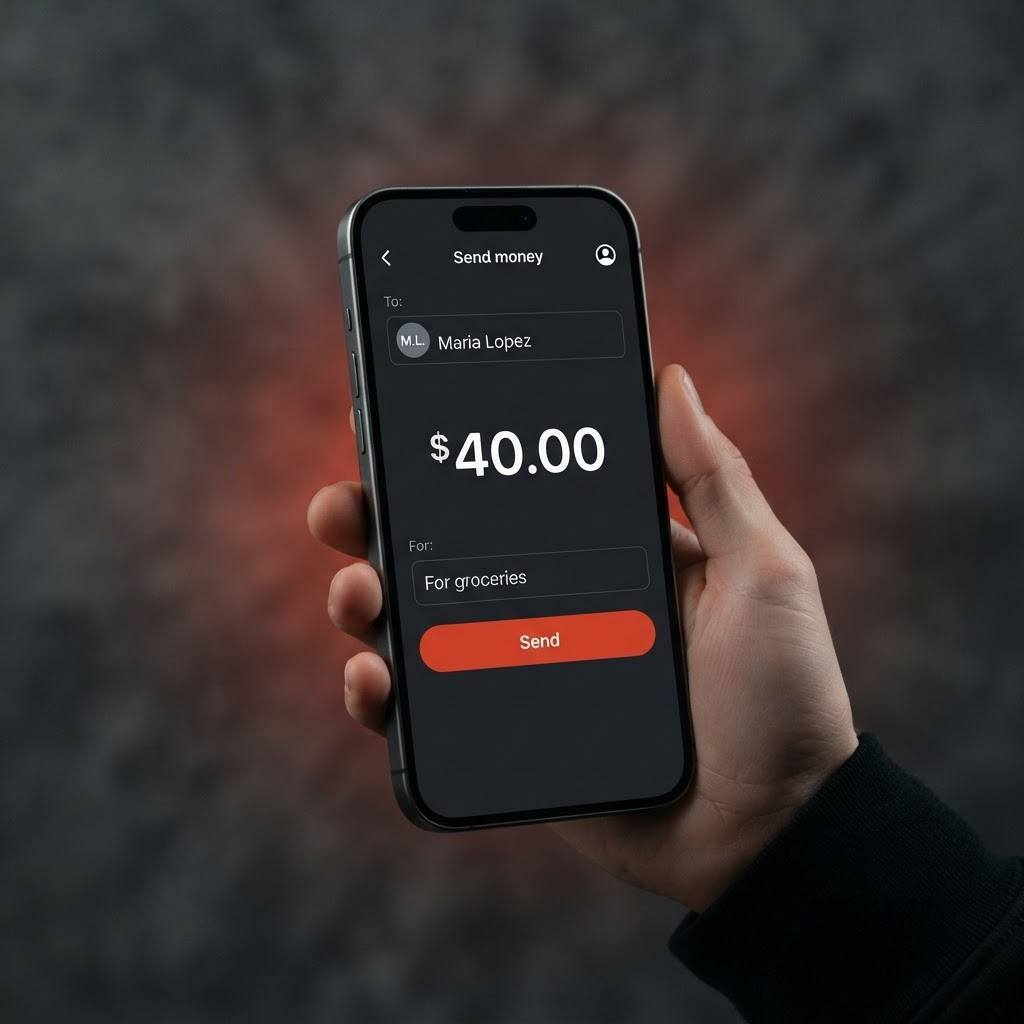
Sending money on ChowBanQ is quick, and we always confirm who you're paying before anything moves.
Open Send from your dashboard.
Choose who to pay. Enter their email, name, or phone — we look them up and show their name so you can check it's the right person.
Enter the amount and an optional note (for example, "Lunch" or "Rent share").
Review and confirm. You'll see the recipient's name one more time, then tap Send.
Sending between ChowBanQ wallets is free and arrives instantly. If anything looks off — a name you don't recognize — stop and double-check before sending.
Posted by ChowBanQ