guideSeptember 4, 2026
How to request a payment
Ask to be paid with a link or QR code anyone can use — even before they have ChowBanQ.
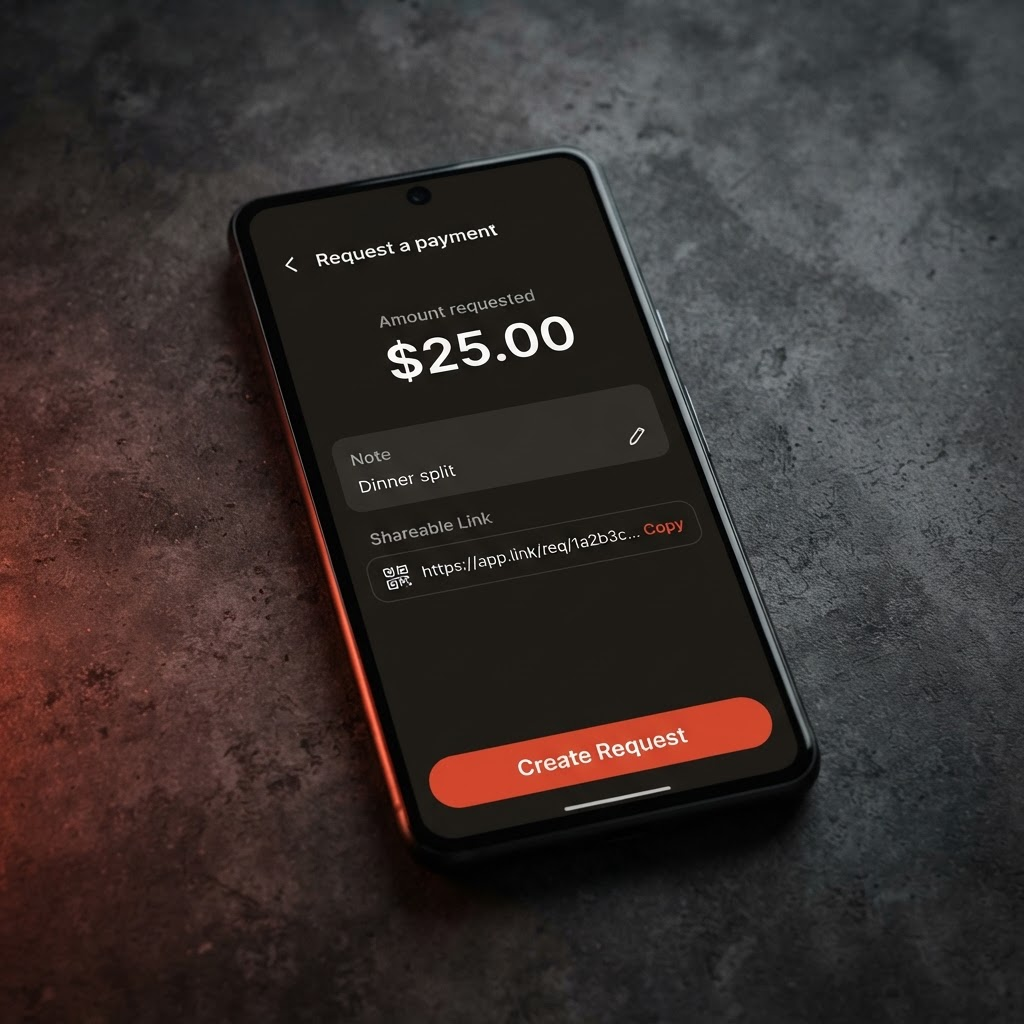
Need someone to pay you? Create a request and share it as a link or QR code.
Open Request from your dashboard.
Enter the amount and a note so they know what it's for.
Share it. You'll get a payment link and a QR code — send the link by message, or let someone scan the QR in person.
Get paid. When they pay, the money lands in your wallet and you'll see it in your activity.
Requesting money is free. The person paying just taps the link, enters the amount if you left it open, and pays from their wallet or card.
Posted by ChowBanQ