How to accept a card payment in person
Take a card payment on the spot with Chow Pay — no card reader needed.
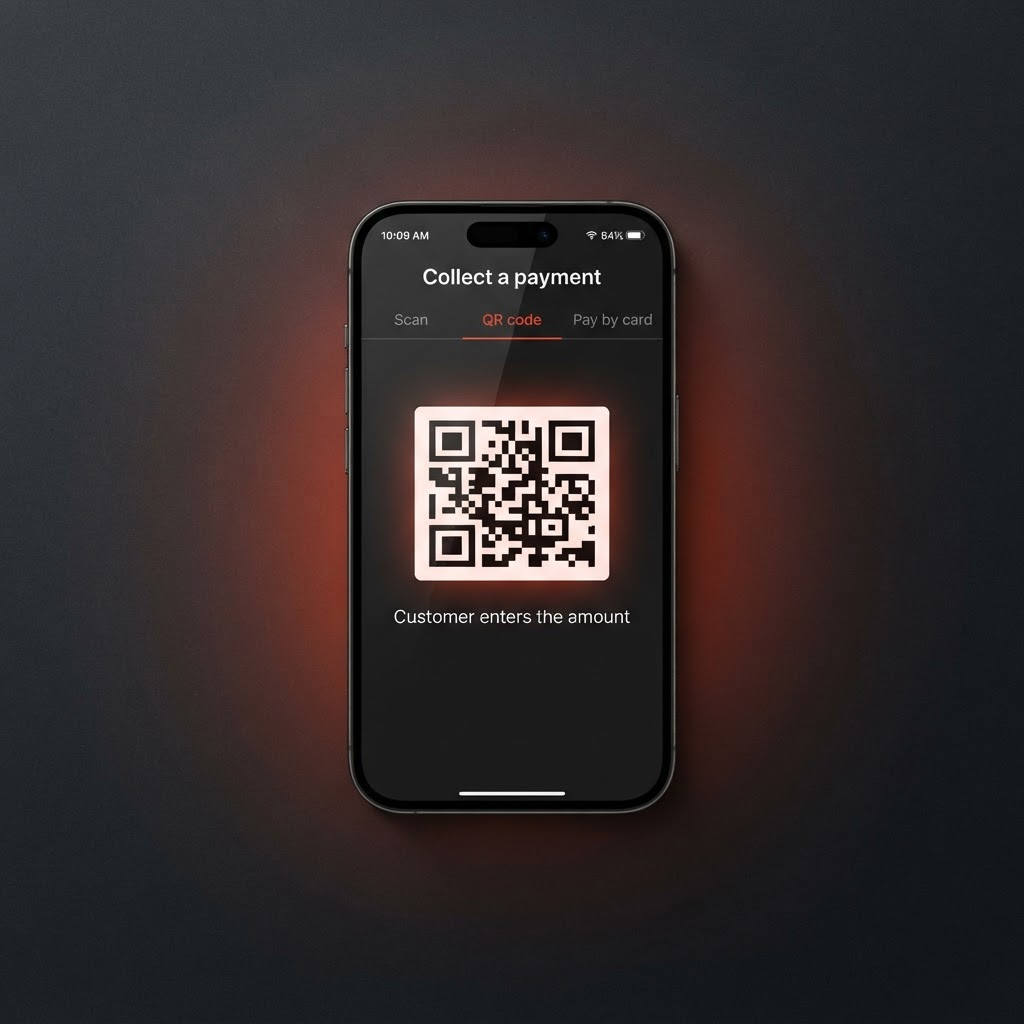
Chow Pay lets you take a payment face-to-face — scan a customer's code, show them a QR to pay you, or take a card right on your phone.
Open Collect a payment from your dashboard.
Pick how you want to get paid. Scan the customer's offline code, show a QR code for them to scan and enter the amount, or choose Pay by card to take a card payment on the spot.
For a card payment, enter the amount and let the customer tap or enter their card. It's processed securely by Stripe.
Confirm. You'll both see the payment go through, and it's added to your wallet.
Card payments carry a small processing fee. Everything is handled by Stripe — you never store card details, and the money settles to your wallet.
Posted by ChowBanQ