How to connect your bank and cash out
Link your bank once with Stripe, then move money out free or instantly.
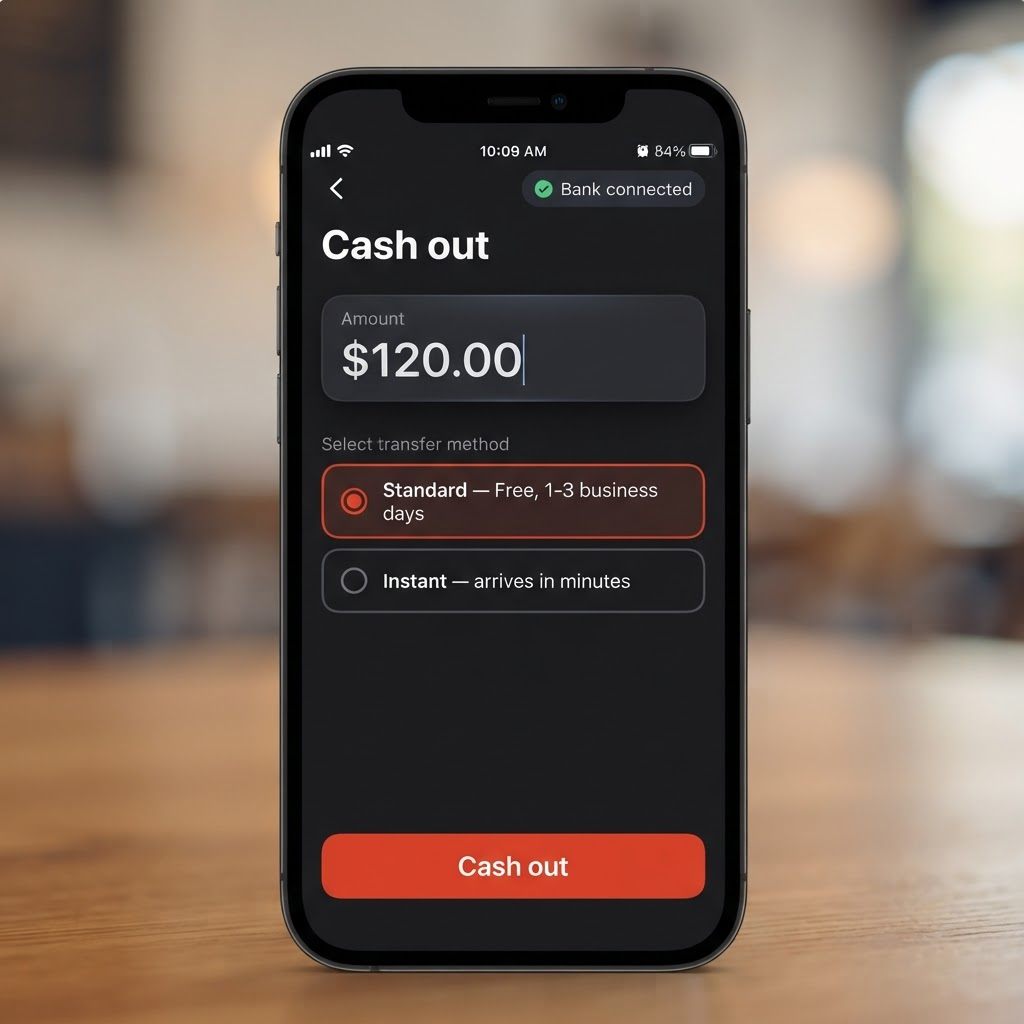
When you're ready to move money from ChowBanQ to your bank, here's how.
Go to Wallet, then Cash out.
Connect your bank. Tap Set up bank payouts. This opens Stripe, our payments partner, where you securely add your bank details. You only do this once. When it's done, you'll see "Bank connected."
Enter an amount and pick a speed. Standard is free and arrives in 1-3 business days. Instant arrives in minutes for a small fee (minimum $0.50).
Tap Cash out. We email you a receipt, and you can track it under Recent cash-outs.
Heads up: your very first cash-out includes a one-time bank verification, so it can take a few extra days. Every cash-out after that is much faster, and your money is always safe in the meantime.
Posted by ChowBanQ